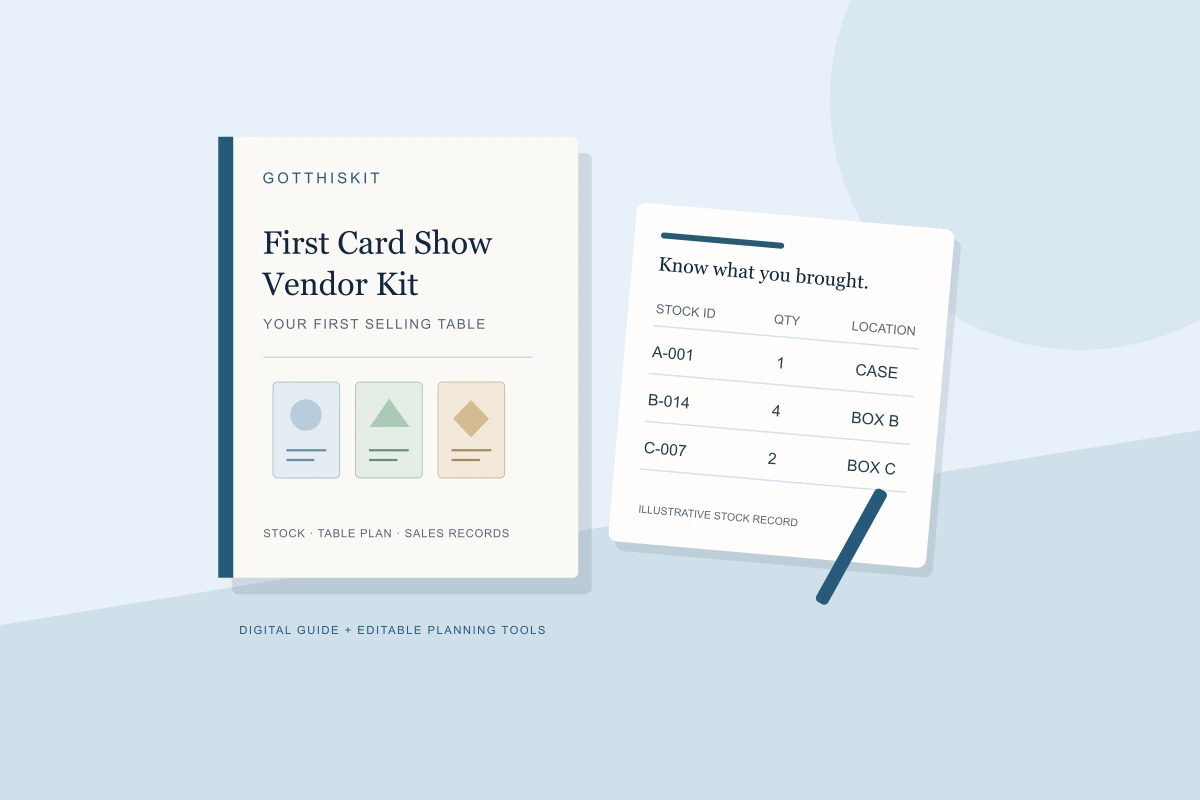
A useful card show inventory tells you which item a visitor means, where it belongs and whether it is still available. Your table layout should make that record easier to use. When the two disagree, even a small collection can become difficult to manage during a busy conversation.
Start with one box or binder rather than your entire collection. The tutorial below uses fictional quantities and simple references. It teaches an organizational method, not authentication, professional grading or a guarantee against loss. Adapt the process to your stock, the confirmed space and the organizer's rules.
1. Give each stock item a stable identity
Create a short code such as CS001 and attach it to the inventory row and the item's holder or divider. Do not attach a label directly to a card. Keep the code unchanged when you move the item, revise its asking price or bring it to another event. Location and price belong in their own fields.
Record enough detail to distinguish versions: name, set or year, card number, variant, language and whether the item is graded or ungraded, as applicable. For graded stock, retain the information shown on the holder in your private record. A short stock code links the records; it does not replace the card's actual identifying details.
TCGplayer's listing instructions specifically ask sellers to match the correct product version and set quantities for the relevant product and condition. Those are platform instructions, but they illustrate why a card's name alone is an incomplete inventory identity. Use the information relevant to the cards you sell rather than copying a platform's fields without checking them.
2. Separate identification, condition and asking price
Two copies with the same printed details may need separate records if their condition or acquisition cost differs. Give them separate IDs when that difference matters to your description or sale. Group copies under one quantity only when you can manage them consistently and still explain what the buyer is choosing.
Write clear condition notes using the terminology appropriate to your selling context. TCGplayer publishes its own condition scale and notes that its standards can be updated. It is a reference for that marketplace, not a universal grading certificate. Naming a scale in your notes is more useful than treating a word such as 'mint' as self-explanatory.
Keep your asking price, private cost record and agreed sale price in separate columns. Leave room for a dated price review. If you cannot confidently identify a version or explain a condition note, hold that item out of the selling selection until you resolve the uncertainty.
3. Map the stock to a small number of locations
Give each container a visible code: Case A, Binder B or Box C. Record that location beside the stock ID. Use dividers that help you find a section without lifting out the entire contents. A location should be specific enough that a helper can follow it, but simple enough to update during the show.
In a fictional 60-card selection, you place 12 individually tracked cards in Case A, 24 in Binder B and 24 in Box C. The total is still 60. You might later move six cards from Box C into the case; the new locations contain 18, 24 and 18. That is a location change, not new stock or a sale.
Keep the packing record separate from availability. An item can be packed but reserved, or temporarily removed for checking. If it is also listed online, decide how you will prevent the same item being sold twice. Use the controls available in your actual selling system and verify changes before opening your table.
4. Rehearse browsing, inspection and payment
Mark the confirmed table footprint at home and arrange the actual cases, binders and signs inside it. Leave a clear area for an item being discussed and another place for recording a sale. Keep spare stock and personal belongings in your controlled storage area rather than spreading every container across the visitor-facing edge.
Stand on the visitor's side. Can you read the categories and asking prices without reaching over someone else's items? Now sit in your selling position. Can you see the stock being handled and reach the sales record without turning away from the display? Reduce decorative pieces if they obstruct those practical tasks.
Keep close control of items removed from a case. A simple routine is to bring out one item for inspection, retain awareness of its location and put it back before starting another inspection. Use suitable cases and storage, agree helper responsibilities and follow the organizer's security arrangements. These habits support oversight; they do not eliminate risk.
5. Make the item handover part of the record
For each transaction, record the stock ID, quantity, agreed item price, payment method and a receipt or transaction reference. Check payment in your own payment system rather than relying only on a buyer's screen. Mark the item sold before offering it again, and retain whatever receipt record your normal business process requires.
When a buyer chooses several cards, keep one transaction reference linking the item rows. For a bundle, assign the agreed amount across the items consistently, with the item amounts adding to the amount paid. Do not record the bundle total again on every card row. Keep private costs and buyer details away from the public display.
6. Count what leaves in the boxes
If the fictional 60-card selection has 18 cards sold and no other movements, 42 should remain. Count the containers and compare them with the record. A difference needs investigation, not an invented sale to make the sheet balance. Log returns, purchases, trades and other movements separately when they occur; they change the expected closing count.
Before your first show, use the vendor checklist to confirm the wider arrangements. Afterward, connect the inventory record to the sales-and-cost review. Explore the First Card Show Vendor Kit page for its current guide and worksheet scope, including the planned inventory and sales tools.
Choose one container, assign stable IDs and rehearse finding, inspecting and recording one item. Expand the system only after that small sequence works.